To securely dispose of old company laptops in New Zealand, you need to deal with the data before you deal with the hardware. In practice that means five steps:
- List every laptop you’re retiring, with its serial number.
- Back up anything you need to keep.
- Erase or shred the drive using a certified method. Deleting files or resetting the laptop is not enough.
- Get a certificate for every device, so you can prove the data was destroyed.
- Reuse or recycle the hardware responsibly, never in general waste.
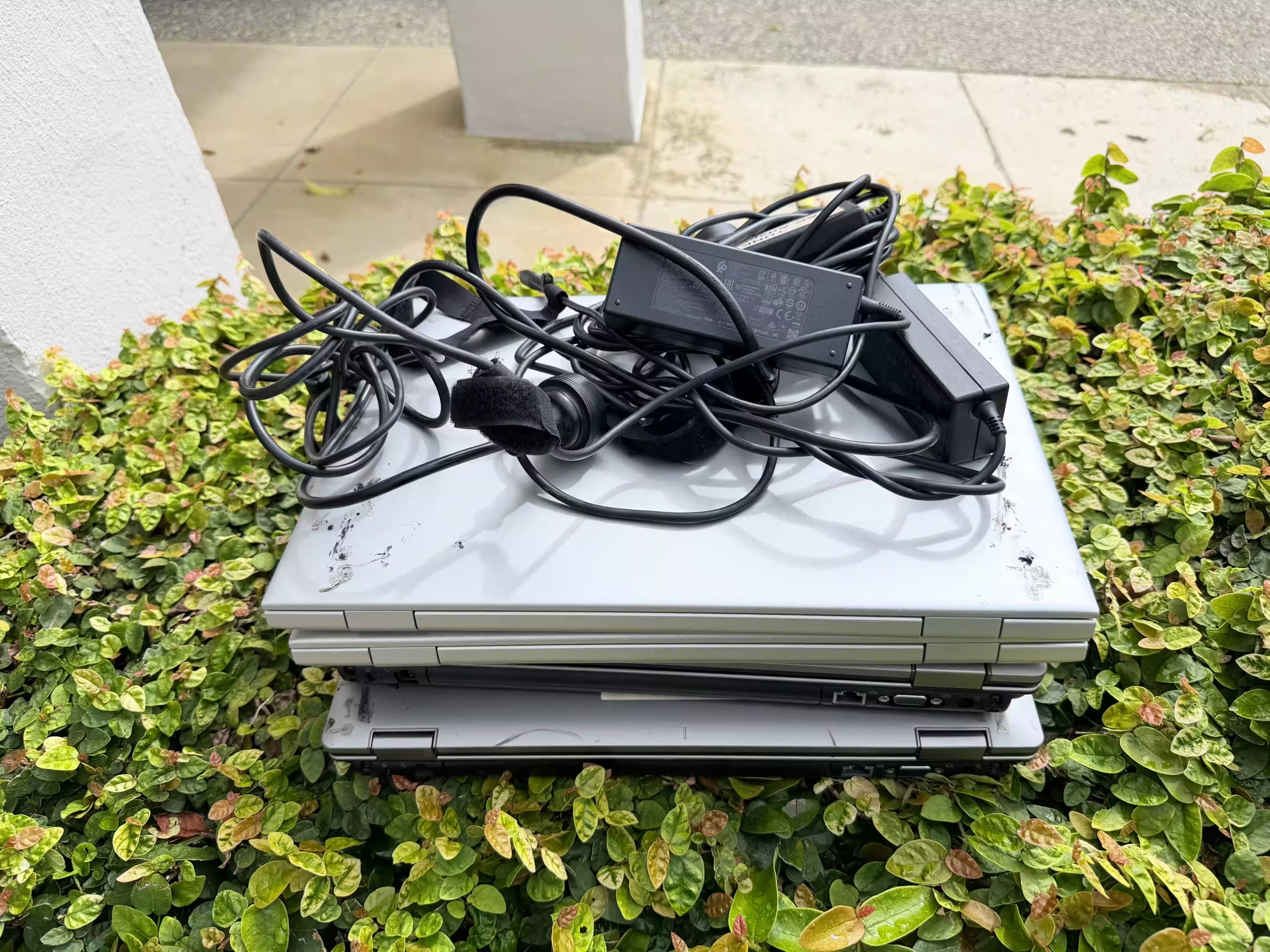
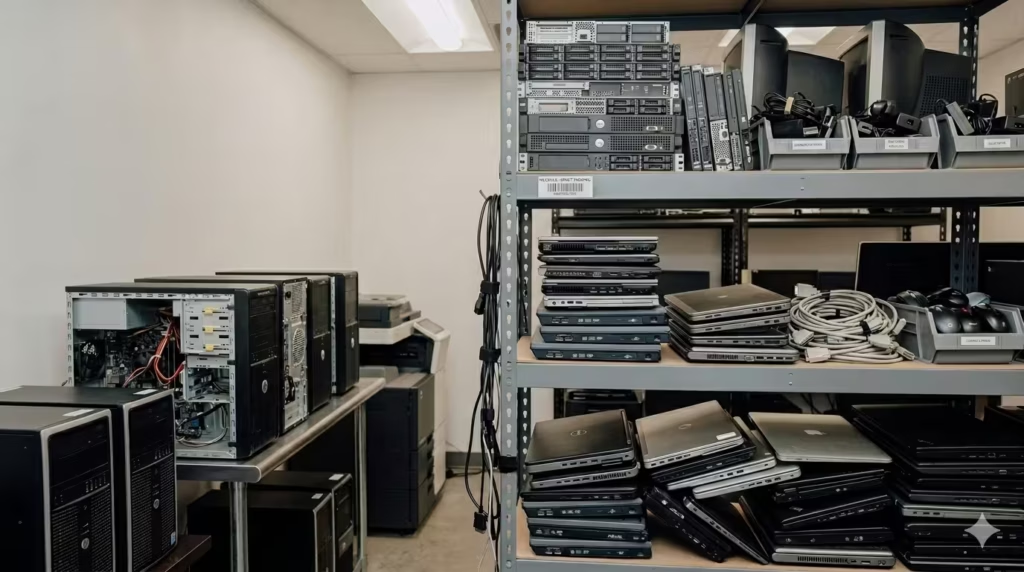
Most businesses have a cupboard of old laptops waiting for “someday”. Each one can still hold client records, staff details, saved passwords and email. The rest of this guide explains how to clear that cupboard without creating a privacy breach.
Why deleting files or a factory reset isn’t enough
When you delete a file, the laptop usually just marks that space as free. The data stays on the drive until something overwrites it, and free recovery tools can often bring it back.
A factory reset or reinstalling Windows isn’t a guarantee either. Depending on the device and how the reset was done, data can survive on the drive. Solid-state drives (SSDs), which most modern laptops use, store data in ways that make simple overwriting unreliable.
The other risk is human. A laptop gets “wiped” by whoever has time, nobody records it, and months later no one can say which machines were cleared. If a device turns up on an auction site with your data on it, “we thought it was reset” is not a defence.
Erase or shred: how to decide
Erase laptops that still work and could be reused or resold. Shred drives that have failed, can’t be reliably erased, or fall under a policy that requires physical destruction.
| Certified erasure | Physical shredding | |
|---|---|---|
| Best for | Working laptops that can be reused or resold | Failed, damaged or high-security drives |
| What happens | Software overwrites the whole drive and verifies the result | The drive is mechanically destroyed into small fragments |
| Hardware afterwards | Keeps its value and stays in use | Recycled as materials only |
| Proof you receive | A certificate of erasure per device | A serialised certificate of destruction |
At EXTECH we erase drives with YouWipe software, which is certified by NATO and to Common Criteria EAL+3 and supports NIST SP 800-88 and DoD 5220.22-M methods. Drives that shouldn’t be reused are shredded to 20mm fragments. Not sure which suits your laptops? We’ll recommend a method for each device type. Read more about our data destruction process.
What documentation to ask for, and why it matters
Any provider you use should give you records that tie each laptop to what happened to it. Ask for:
- An asset list matching serial numbers to the devices collected.
- Chain-of-custody records showing who handled the laptops from pickup to completion.
- A certificate of erasure for every erased device, or a serialised certificate of destruction for every shredded drive.
This paperwork matters because of the Privacy Act 2020. New Zealand organisations must notify the Privacy Commissioner and affected people when a privacy breach is likely to cause serious harm. Handing old laptops to a third party doesn’t hand over that responsibility. Certificates are how you show the data was dealt with properly.
This is general information, not legal advice.
Step-by-step checklist for IT managers
Use this as your process the next time you retire a batch of laptops.
- Gather every retired laptop in one locked place. Check desks, storerooms and staff who have left. Lost laptops are the most common gap.
- Record each device. Note the make, model, serial number and who last used it.
- Back up and sign out. Copy any files you must keep, then remove the device from your management tools, Microsoft or Google accounts, and Find My or similar tracking.
- Decide erase or shred for each one. Working and reasonably modern means erase. Dead, damaged or sensitive means shred.
- Book a certified provider. Confirm they offer certified erasure, shredding and per-device certificates before anything leaves your site.
- Hand over against your list. Check the collected devices against your serial numbers.
- File the certificates. Match every certificate to a serial number and keep them with your privacy and asset records.
- Update your asset register. Mark each laptop as disposed, with the date and certificate reference.
If laptops are piling up because of a Windows upgrade, our article on the Windows 10 “Ghost Fleet” explains why that storeroom is a risk.
Frequently asked questions
How much does it cost to dispose of company laptops?
It depends on how many laptops you have, whether they need erasure, shredding or both, and where they need collecting from. Working laptops that can be reused may offset some of the cost. Send us a rough count and we’ll quote for your job.
Can you take laptops that don’t turn on?
Yes. Laptops that are dead or damaged can’t be reliably erased, so their drives are shredded instead. You still get a certificate for each one.
Is there a minimum number of laptops?
Tell us what you have and we’ll work out the best option, whether that’s a single collection or an office e-waste bin serviced over time.
Do you collect outside Auckland and Wellington?
Yes. We operate from Onehunga in Auckland and the Hutt Valley in Wellington, and arrange collections from business sites across New Zealand.
Clear the laptop cupboard properly
EXTECH collects old laptops from businesses across New Zealand, erases or shreds every drive, and gives you a certificate for each device. Working equipment is reused where possible, and the rest is recycled responsibly.
Book a collection or call 0800 4 EXTECH to talk through your laptops. Retiring more than laptops? See our IT asset disposal service.